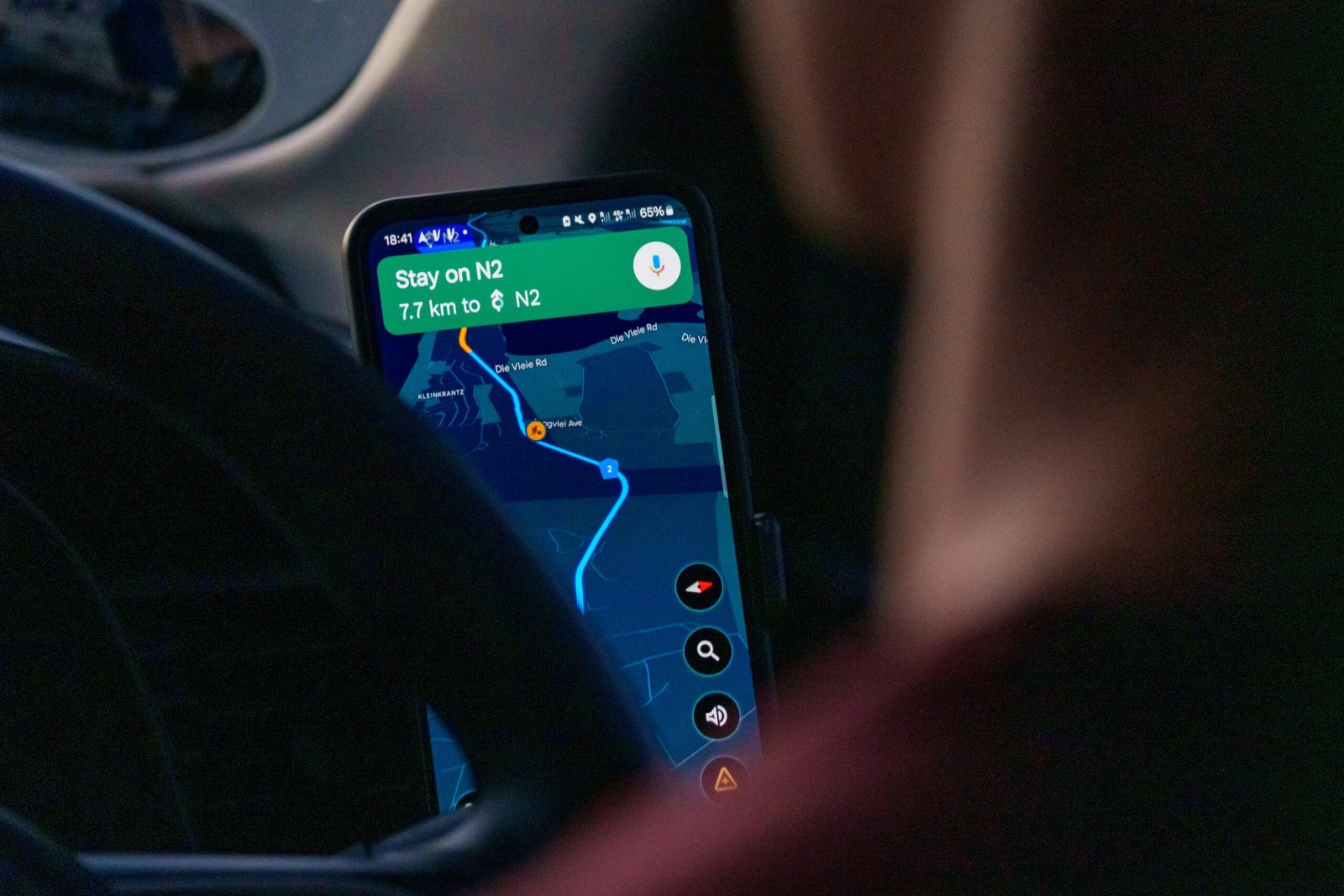
The right apps can transform a road trip from stressful to seamless. After testing dozens of apps across thousands of miles, these are the twelve we actually keep on our phones — the ones that earn their screen space by solving real problems on the road.
Navigation
1. Google Maps (Free)
Still the best all-around navigation app. The key road trip feature most people miss: download offline maps before you leave cell service. Open Google Maps, search for the region you’re driving through, tap “Download” and the map works without internet. Essential for desert crossings, mountain passes, and rural areas. Also excellent for finding gas stations, restaurants, and rest stops with real-time hours and reviews.
2. Maps.me (Free)
The best offline map app. Unlike Google Maps, Maps.me is designed to work entirely offline with incredibly detailed maps that include hiking trails, dirt roads, and paths that Google doesn’t show. Download entire states or countries over WiFi, then navigate without any data connection. Particularly useful for finding dispersed camping spots and back roads that GPS apps route around.
3. Waze (Free)
Community-driven navigation that excels at real-time traffic, police alerts, road hazard reports, and accident warnings. Less useful on empty rural highways but invaluable when approaching cities, construction zones, or high-traffic scenic areas. The gas price comparison feature helps you find the cheapest fuel along your route.
Camping and accommodation
4. FreeRoam (Free)
The gold standard for finding free camping. FreeRoam maps thousands of verified dispersed camping spots on BLM land, national forests, and other public land across the western US. Each listing includes photos, reviews, cell signal information, and road condition notes. Filter by features like whether fires are allowed, if the site has a flat surface for sleeping, and how accessible it is for standard vehicles. This single app can save you hundreds of dollars on a road trip.
5. iOverlander (Free)
A global camping database maintained by the overlanding community. Covers free camping, paid campgrounds, water fill stations, dump stations, and mechanics — everything a road tripper needs. Stronger than FreeRoam for international destinations and the eastern US. Works offline once you download the area data.
6. Recreation.gov (Free)
The official app for booking campsites in national parks, national forests, and other federal recreation areas. Many popular campgrounds sell out months in advance — this app lets you set alerts for cancellations so you can grab a spot when someone drops theirs. Also handles day-use reservations for parks that require them, like Glacier National Park and Rocky Mountain National Park.
Fuel and vehicle
7. GasBuddy (Free)
Crowdsourced fuel prices from stations across the US and Canada. Prices can vary dramatically even within a few miles — GasBuddy shows you the cheapest option along your route. The trip cost calculator estimates your total fuel expense based on your vehicle’s mileage and current prices. The paid version removes ads and adds theft alert features, but the free version covers all essential road trip needs.
Weather and conditions
8. Weather Underground (Free)
More detailed and accurate than the default weather app, especially for microclimates and mountain weather. The hourly forecast and radar are essential for planning mountain pass crossings, outdoor activities, and deciding whether to push through or wait out a storm. Personal weather station data gives hyperlocal accuracy that national forecasts miss.
Trip planning and documentation
9. Roadtrippers (Free with premium option)
A trip planning app that maps your route and suggests attractions, restaurants, and scenic stops along the way. Enter your start and end points, and Roadtrippers populates the map with points of interest categorized by type. The free version allows limited trip planning; the premium version ($6.99/month or $29.99/year) removes limits and adds offline access. Excellent for discovery — it surfaces interesting stops you wouldn’t find on your own.
10. Google Lens (Free)
Point your camera at a wildflower, a mountain peak, a historic building, or a trail sign, and Google Lens identifies it instantly. On scenic drives, this turns every stop into a learning opportunity. It also translates foreign text in real time and reads menu items in unfamiliar languages — useful on international road trips.
Safety
11. what3words (Free)
This app divides the entire world into 3-metre squares, each assigned a unique three-word address. If you break down on a remote highway or need to describe your exact location to emergency services, what3words gives a precise position that’s easier to communicate than GPS coordinates. Many emergency services now accept what3words locations. Download it before your trip and hope you never need it.
12. First Aid — American Red Cross (Free)
Step-by-step first aid instructions for common emergencies, including heat exhaustion, snake bites, sprains, and allergic reactions — all available offline. When you’re hours from the nearest hospital on a remote scenic drive, knowing basic first aid can make a critical difference. The app includes an emergency phone number directory and hospital locator.
Data tip: Download everything you’ll need while you still have WiFi. Offline maps, camping data, and first aid guides all need to be pre-loaded. Don’t wait until you’re in a dead zone to discover your apps need internet to function. Most apps listed above have explicit offline download options — use them before you hit the road.
Frequently asked questions


Leave a Reply